Collect Wedding Photos via QR Code

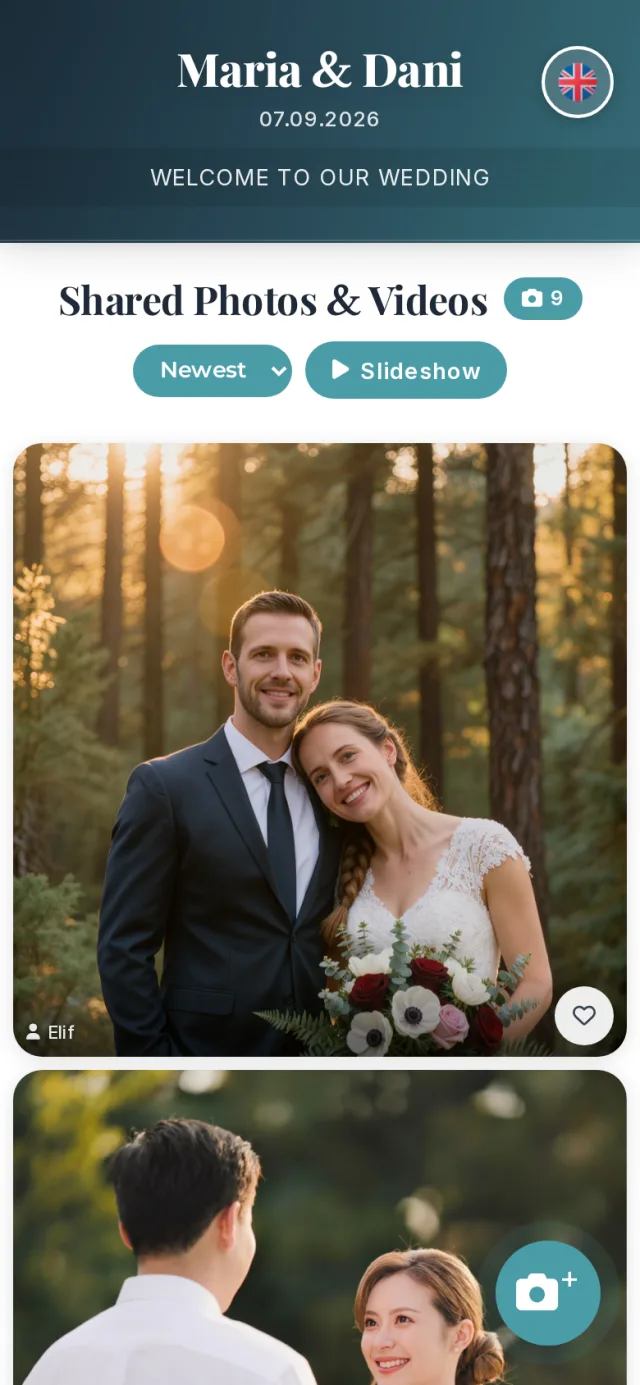
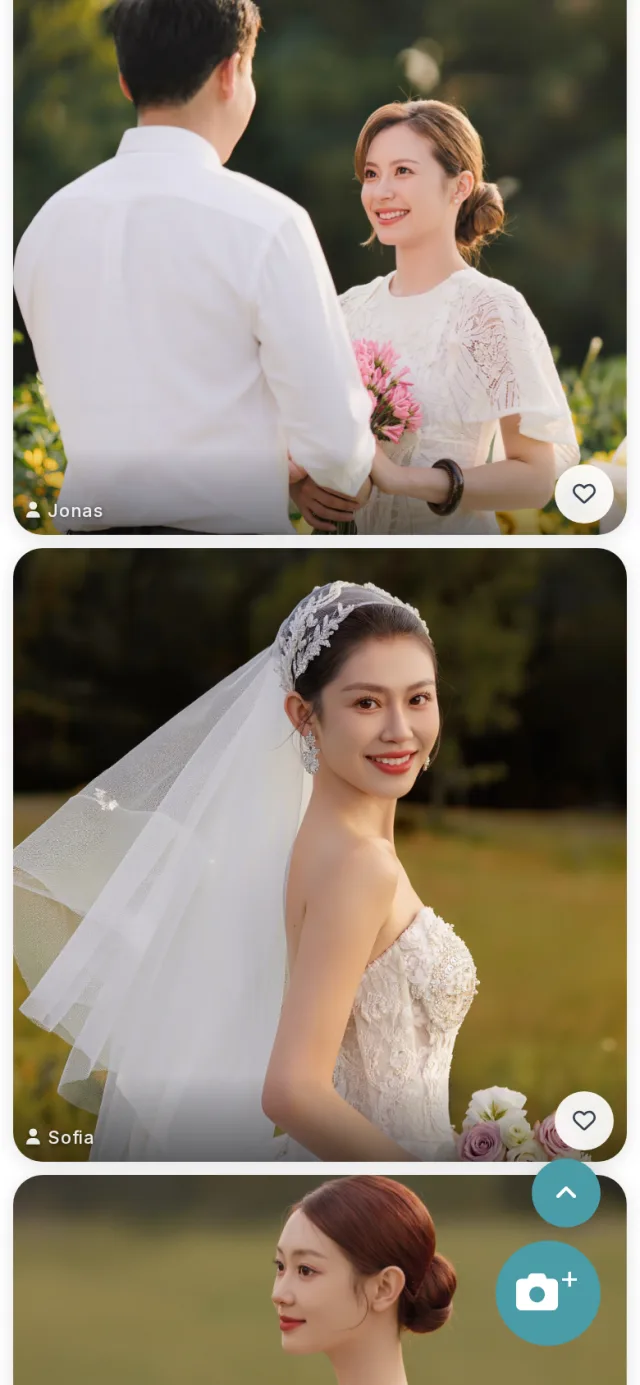
All your wedding photos in one place: your guests simply scan the QR code and upload their pictures straight into your shared gallery – no app required.

Register for free now

After the wedding, your best moments end up scattered everywhere: on guests' phones, in group chats, on memory cards. With ForeverPics, all guest photos are collected automatically in one place. Just put QR cards on the tables – every guest scans, uploads and instantly sees everyone else's pictures. Your complete wedding gallery grows while the party is still going.

How it works

1

Create your event & print the QR code

Set up your wedding event in minutes. Use the built-in card designer to create matching QR cards for your tables – ready to print.

2

Guests scan & upload

Your guests scan the code with their phone camera and upload photos right in the browser – no app, no sign-up.

3

Live slideshow & download

Photos appear live in the slideshow on a TV or projector. After the party, download all pictures in one go.

Your benefits with ForeverPics

No app needed

One scan with the phone camera is all it takes – works on any smartphone, right in the browser.

Live slideshow

Show your guests' photos on a TV or projector while the party is on – a highlight of every wedding night.

Full-quality downloads

Download all guest photos as one ZIP – in original resolution, without compression.

GDPR-compliant privacy

Only people with the QR code can see your gallery. Photos are stored securely and deleted automatically after expiry.

Your wedding colors, your gallery

Customize header, background and accent colors to match your wedding theme – for a consistent look.

Ready-made QR card designs

Choose from several designs and formats (A6, A5, A4) as PDF or PNG – free, just print and place them on the tables.

Secure your date early

We deliberately limit how many events run per day, so uploads and the slideshow stay smooth on your big day – book your date in good time.

What does it cost?

Start free with 30 photos – wedding plans are available in different sizes:

All users start with the free Moment plan. Packages can be purchased anytime securely in the event area with various payment methods.

Moment

Free trial

Free

Small gatherings & testing

  • ✓ Up to 30 photos
  • ✓ 1 video
  • ✓ 7 days of storage
  • ✓ Guests: upload and view — 2 days from the event day
  • ✓ For you: upload right from creation — until the guest window closes
  • ✓ For you: view in the dashboard — 7 days
  • ✓ Download as ZIP
  • ✓ Live slideshow
  • ✓ QR code access
  • ✓ Unlimited number of guests
  • ✓ QR card design templates
  • ✗ No support inbox
-20%

Memory

The Bestseller

€25.00
€20.00

only until 2026-12-31 No VAT charged according to § 19 UStG (small business regulation).

Birthdays & family celebrations

  • ✓ Up to 2,500 photos
  • ✓ 5 videos
  • ✓ 90 days of storage
  • ✓ Guests: upload and view — 25 days from the event day
  • ✓ For you: upload right from creation — until the guest window closes
  • ✓ For you: view in the dashboard — 90 days
  • ✓ Download as ZIP
  • ✓ Live slideshow
  • ✓ 1 event per purchase
  • ✓ QR code access
  • ✓ Unlimited number of guests
  • ✓ QR card design templates
  • ✓ Additional photos unlockable (up to 1.000)
  • ✓ Support inbox
Create free account (Purchase in event area)
-20%

Legend

The big stage

€99.00
€79.20

only until 2026-12-31 No VAT charged according to § 19 UStG (small business regulation).

Corporate events & galas

  • ✓ Up to 10,000 photos
  • ✓ 20 videos
  • ✓ 365 days of storage
  • ✓ Guests: upload and view — 90 days from the event day
  • ✓ For you: upload right from creation — until the guest window closes
  • ✓ For you: view in the dashboard — 365 days
  • ✓ Download as ZIP
  • ✓ Live slideshow
  • ✓ 1 event per purchase
  • ✓ QR code access
  • ✓ Unlimited number of guests
  • ✓ QR card design templates
  • ✓ Additional photos unlockable (up to 1.000)
  • ✓ Priority support inbox
Create free account (Purchase in event area)

No memory gets lost

Extend photo limit & save all images

Your event went better than expected and your guests snapped away? Awesome! Have you reached your photo limit? No problem! On the event page, all photos are visible to you and your guests. The additional images are initially shown as pixelated previews in your photo management. Want to view and download the extra photos in full quality? Simply unlock the bonus photos. Note: Unlocking additional photos is available in the paid packages (Memory, Milestone, Legend) – not in the free Moment package.

Up to 100 photos
Always €2,99
From 101 photos
€0,010 per photo
Example: 200 photos
€3,99
How it works: Your guests upload photos via QR code and can see all images on the event page. In your event area, photos that exceed the included limit are initially shown as previews (pixelated). Simply unlock them to see them in full sharpness and enable downloading.
Per event, you can unlock up to 1.000 photos on top of your plan limit.
Frequently asked questions

Create an event for your wedding on ForeverPics and put the QR cards on the tables. Every guest scans the code with their phone camera and uploads their photos straight into your shared gallery – everything lands in one place automatically.

No. The QR code opens the gallery right in the browser. Your guests can upload and view photos immediately – no app install, no registration.

Getting started is free: 30 photos, stored for 7 days. For a wedding we recommend a plan from €25 with 2,500 photos and 90 days of storage.

Between 7 days (free) and one year, depending on your plan. Before expiry you can download all photos as a ZIP – we remind you by email in good time.

Yes – that is the heart of ForeverPics: all guests see the shared gallery and experience each other's photos live, on their own phone or in the slideshow on the big screen.

Yes. A short pairing code connects any smart TV or projector to your event – new photos appear in the live slideshow automatically.

The guest window opens at midnight on the event day. How long it stays open depends on the plan: Moment 2 days · Memory 25 days · Milestone 60 days · Legend 90 days – counted from the event day, ending at midnight. During that time your guests can upload and view the gallery. After that the guest page closes. You keep access to every photo – in the dashboard under “My Photos”, for as long as the storage period runs (7 days on the free plan, up to 365 on the largest). The storage period starts when you create the event.

Yes, if you enable it for your event. The event settings have a “Guest video upload limit” – set to “0 – no videos” by default. Switch it to “1 video per guest” and every guest may contribute one video. You can always add videos yourself, regardless of this setting.

At most 1 minute and at most 500 MB per file. Common phone formats work (MP4 and MOV, including iPhone). The audio track is included – keep that in mind when people are talking in the background.

Per event: Moment 1 · Memory 5 · Milestone 10 · Legend 20. Deleted videos still count – the number is an allowance, not a stock level.

After uploading, a video first has to be converted into playable formats. Depending on length and file size this takes about 30 to 60 seconds. It then appears in the gallery on its own – no need to reload the page.

Ready for your shared wedding gallery?

Create your event in a few minutes and try everything for free.

Register for free now
SECURE PAYMENT